
Getting Started with Your GoPro or DJI Action Camera
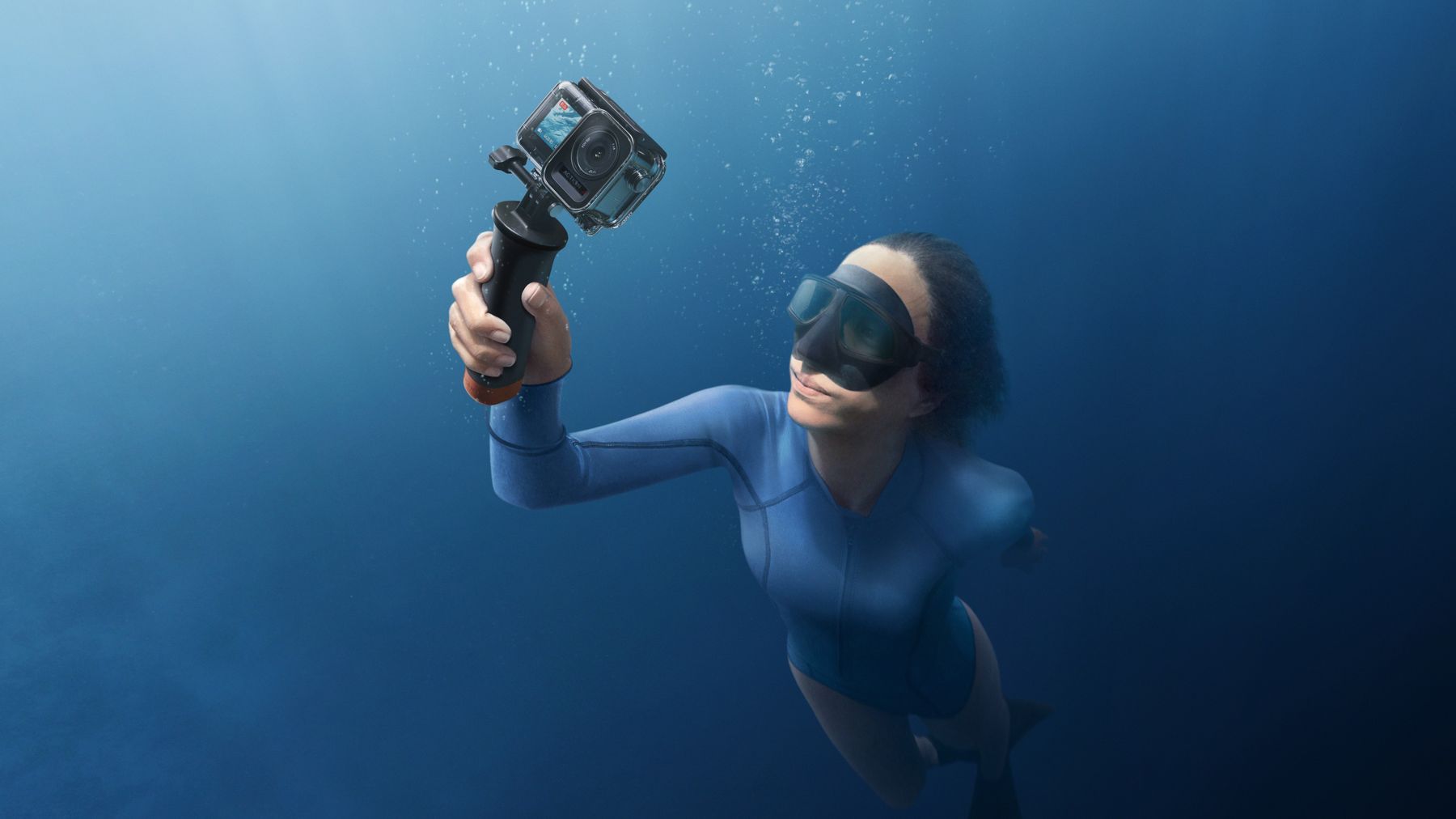
Most action cameras we sell are waterproof straight out of the box, but how deep they can go, and how good your footage looks, comes down to a few settings and habits. Here is what we tell customers at the counter.
How deep can yours go?
| Camera | Without a case | With the maker's case |
|---|---|---|
| GoPro HERO13 Black | 10 m | 60 m, in the GoPro Protective Housing |
| GoPro MISSION 1 Pro | 20 m | 60 m, in its own underwater housing |
| DJI Osmo Action 6 | 20 m | 60 m, in the DJI Waterproof Case |
| DJI Osmo Action 5 Pro | 20 m | 60 m, in the DJI Waterproof Case |
| DJI Osmo Pocket 3 or 4 | Not waterproof | Keep it out of the water |
Before it goes in
- Doors shut: the battery door and the USB-C cover are closed and latched.
- Seals clean: look at the rubber seals on the doors (and on the case, if you use one). A grain of sand or a single hair is enough to let water in, so wipe them clean.
- Seals greased: consider a very thin smear of silicone grease on the seals, the kind divers use on their O-rings. It helps the seal close properly. Keep it off the lens.
- Lens cover tight: screwed or clicked fully home.
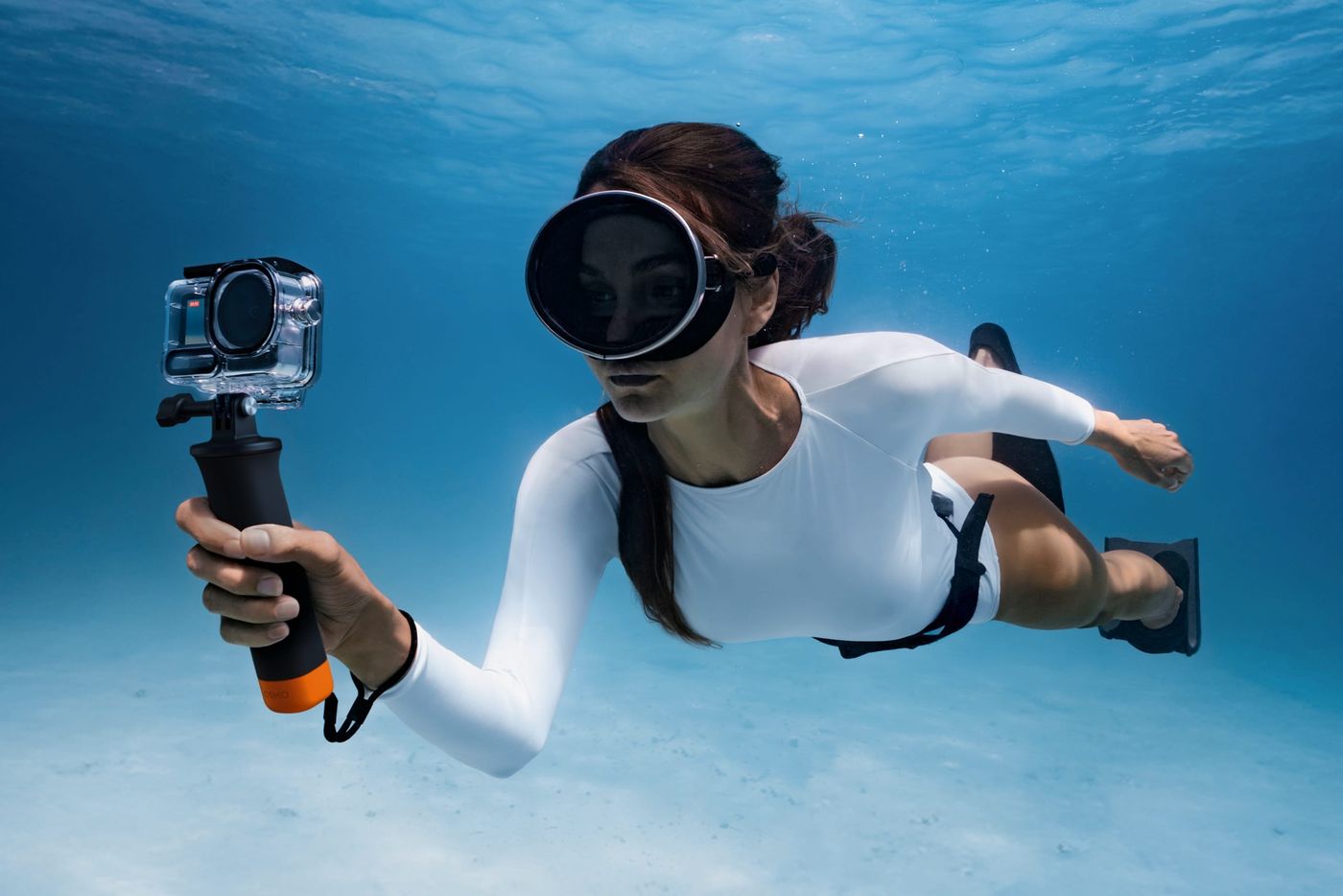
- Case for rough water: for long dives, surfing, jet skis or waterfalls, use the case even when the camera alone is rated deep enough.
Set it up on dry land
Wet fingers and splashes change settings, so decide everything before you get in, then lock the touchscreen.
Not sure? Leave it on Auto. These cameras do a good job on their own. If you want to try more, this is what each setting does:
- Frame rate (fps): how many pictures the camera takes every second to make the video. 60 or more gives smoother motion, and lets you slow the clip down later without it looking jumpy.
- ISO: how sensitive the camera is to light. Higher makes a dark scene brighter but grainier. Capping it at 800 keeps underwater clips clean.
- Exposure (EV): makes the whole picture brighter or darker. Bright water and sun fool the camera into overexposing, so turning it down a little (−0.3 to −1.0) keeps the colour in the sky and the sea.
- Photo mode: stick to Standard or RAW. SuperPhoto and HDR are made for land and can look unnatural underwater.
- Red filter: a lens filter, not a setting. Water soaks up red light first, so below about 10 m everything turns blue; the filter puts the red back.
You can also change settings from your phone: GoPro Quik for a GoPro, DJI Mimo for an Osmo Action. That helps when the camera is already in its case.
Tricks in the water
- Lick the lens. Really: GoPro's own tip. A thin film of saliva stops droplets sitting on the lens when you shoot at the surface.
- Get close. Water blurs and absorbs light, so the nearer you are to the fish or the reef, the sharper and more colourful the shot.
- Keep the sun behind you or to the side, never in front of the lens.
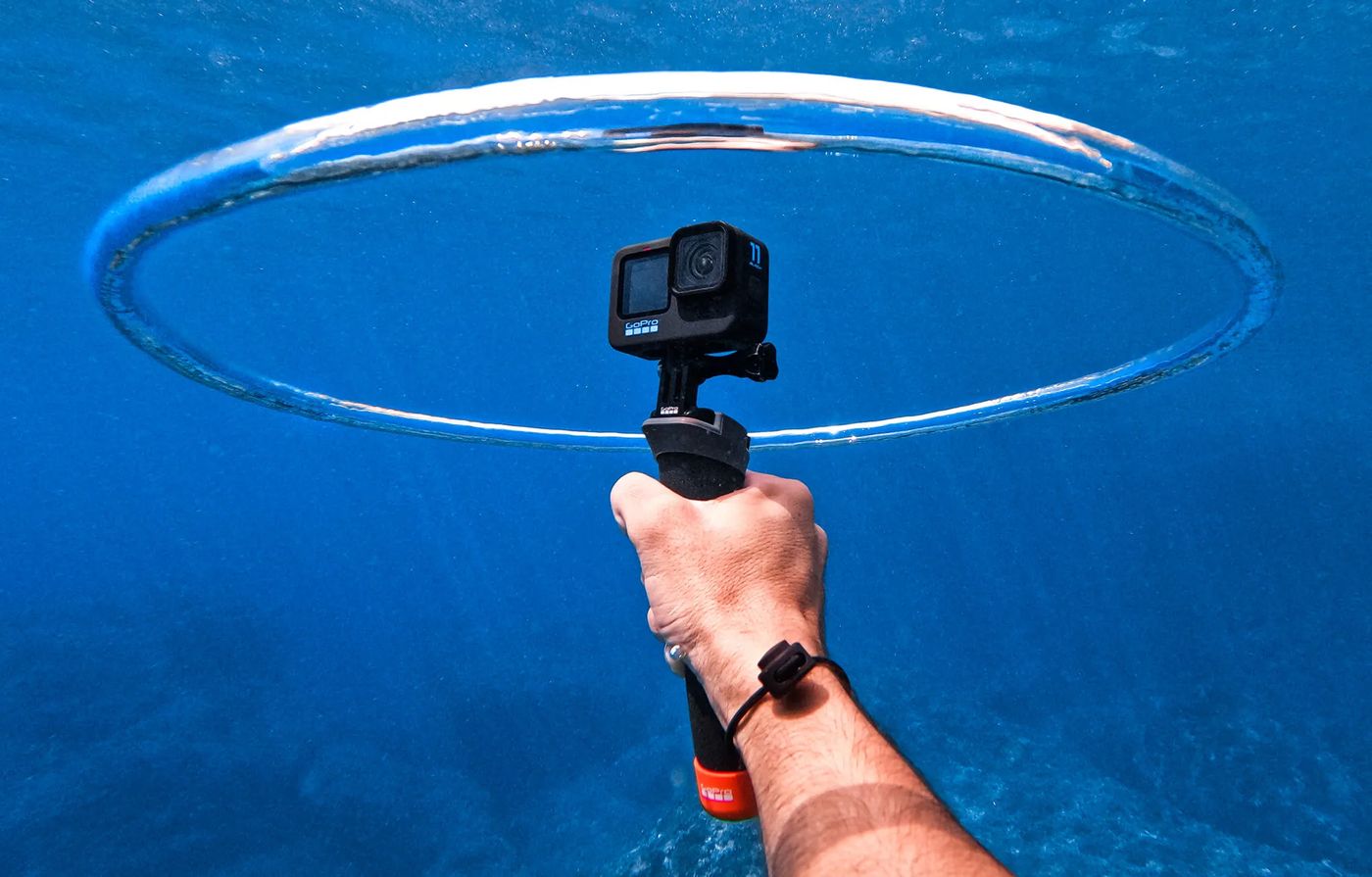
- Make it float. Clip on a floating grip or handle, so a camera you let go of in the surf comes up instead of going down.
- Stop fogging. Close a waterproof case somewhere cool and dry: warm, damp air sealed inside condenses on the lens once it hits cold water.
- Rinse after the sea. Fresh water, then let it dry before you open any doors.
Share it straight away
Both apps build an edit for you from the day's clips: GoPro Quik and DJI Mimo. Import on the boat, share before you are back on shore.
Stuck with a setting, or not sure which case or mount fits your camera? Ask us at the counter or from your account: we use these every day.
Sources
Read on 24 September 2026. If your camera's manual says something different, follow the manual.
The makers
- GoPro: How to use your GoPro as a snorkelling and diving camera (depths, housing, settings on dry land, lick the lens, sun behind you, red filter)
- GoPro: waterproof tips from Mitch Gilmore
- GoPro: the best underwater cameras (Protective Housing, floating accessories)
- GoPro: HERO13 Black and MISSION 1 Pro (the MISSION 1 Pro housing's 60 m is from Dickens, 24 September 2026)
- GoPro Tips: more ideas from GoPro
- DJI: Osmo Action 6 specifications and Osmo Action 5 Pro specifications (depths, the Waterproof Case, closing the covers)
Divers and filmmakers
- Snorkel Venture: top tips for snorkelling with a GoPro (getting close)
- Mojogear: filming underwater with a GoPro (depths, floating mounts)
- Queensland: how to use your GoPro underwater (preventing fog)
- Video guides on settings underwater: one, two, three (frame rate, ISO, exposure, photo modes)