
Getting Started with Your GoPro MISSION 1 Pro
The MISSION 1 Pro is GoPro's most capable camera yet: a 50MP 1-inch sensor, 8K at 60 frames a second, 4K at 240, and waterproof to 20 m with no housing. Here is how to set it up, the five tips GoPro's own pros use, and the accessories we stock that fit it.
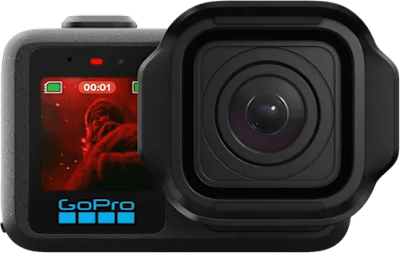
Before the first shot
- Charge it. Over USB-C; the status light goes off when it is full. A fast USB-C (PD) charger gets it to 80% in about half an hour.
- Fit a fast microSD card, rated A2 and V30 or higher, from a known brand, up to 1TB. The label faces the battery. Ours: Lexar Professional SILVER PLUS, one of the families GoPro recommends, in 128GB, 256GB and 512GB.
- Update it before you use it. GoPro says the camera must be updated first. Install the GoPro Quik app, turn the camera on and follow the prompts, with the battery at least half charged.
- Format the card in the camera: Dashboard, then Preferences, Reset, Format SD Card.
- Close and lock the door, with the seal clean. That is what makes it waterproof.
To pair it with your phone later, open the Dashboard, swipe left and tap Connect Device.
In the water
- On its own: 20 m, with the door closed and locked.
- In the Protective Housing: 60 m. It has a flat glass lens, its own mounting fingers, and the front screen stays visible. It also comes with a skeleton back door for better sound on land, which is not for use in water.
Before every dive or swim, run through the checklist in Getting Started with Your GoPro or DJI Action Camera.
Five tips from GoPro's pros
GoPro Guru David Rauchenberger's settings from the Austrian mountains. None of them is needed to get a good shot: if you are not sure, leave the camera on its defaults.
1. Unlock 10-bit colour
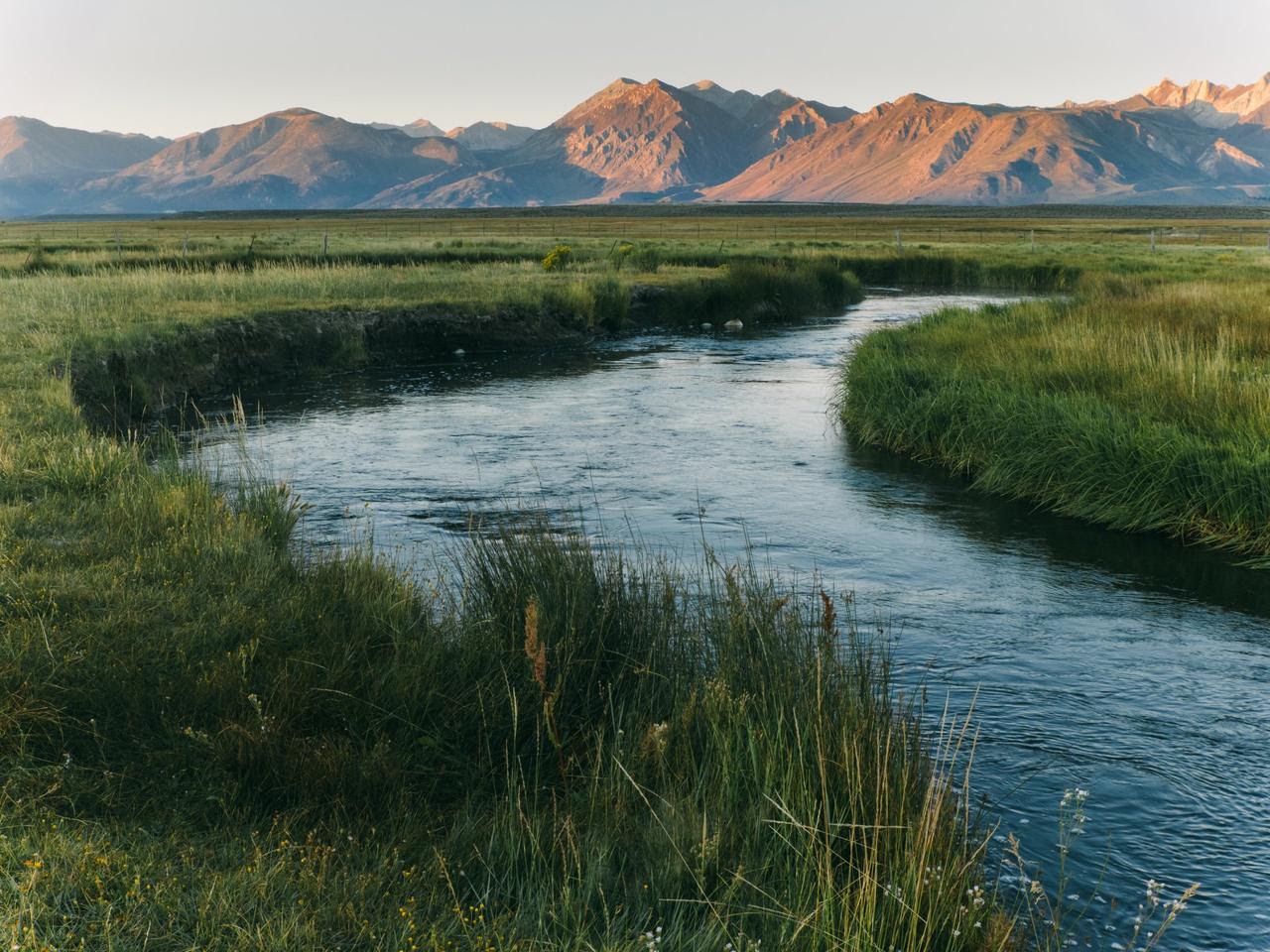
Set Bit Depth to 10-bit. The camera records many more shades of each colour, so skies and sunsets come out smooth instead of banded, and there is more room to adjust the colour later. GoPro's tip is to turn on Apply to All, so every mode records in 10-bit. Burst Slo-Mo always records 8-bit.
2. Max out the bit rate
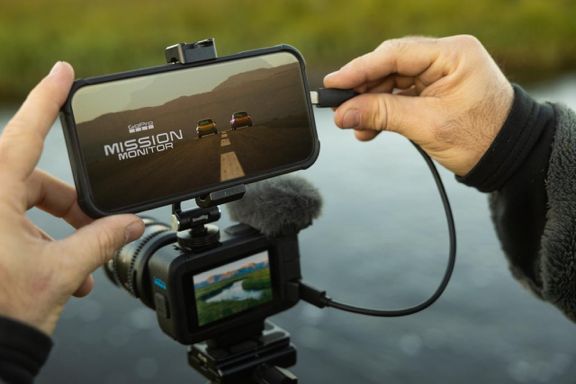
Bit Rate is how much detail the camera keeps each second. High keeps up to 160 Mb/s and Max up to 240 Mb/s. More detail means bigger files, so a larger card is worth it.
3. Sharpness and exposure
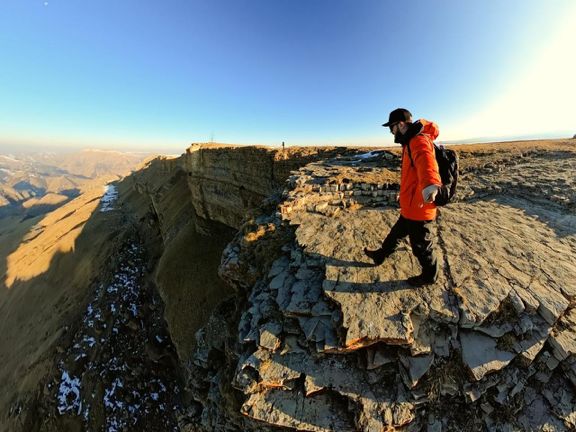
- Sharpness Low gives a softer, more natural picture, the way a cinema camera looks, and you can always sharpen it later.
- Exposure compensation -0.5 in bright sun makes the picture a little darker, so the sky and white clouds keep their detail instead of turning pure white. Press and hold the screen, then tap EV Comp.
4. Stay steady in low light
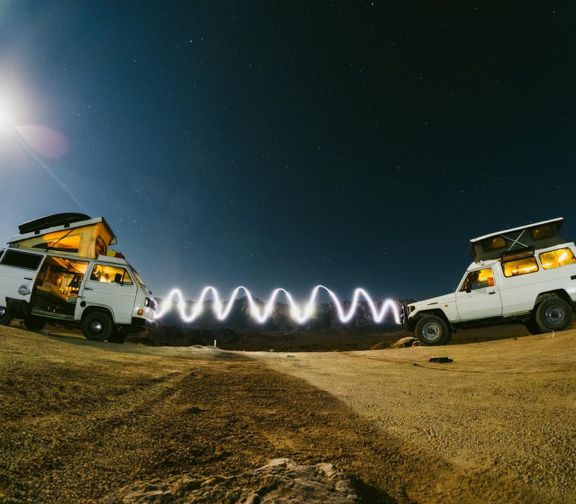
At night the camera turns its sensitivity up, and any movement softens the picture. Keep it still: a Tripod + Ballhead, the 3-Way 2.0, or anything solid to rest it on.
5. Slow it way down
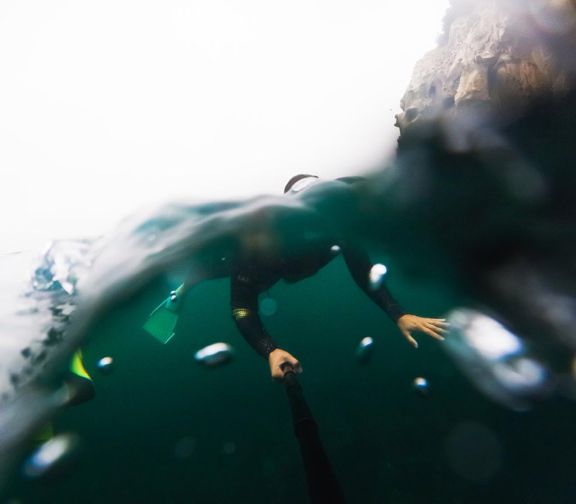
- 4K at 240 frames a second plays back smooth and slow. It uses the 16:9 frame and the Wide or Linear lens, without Horizon Lock.
- Burst Slo-Mo goes up to 960 frames a second, at 1080p, in bursts of up to 10 seconds, for a splash or a jump.
Accessories that fit
Each of these is listed by GoPro as fitting the MISSION 1 Pro.
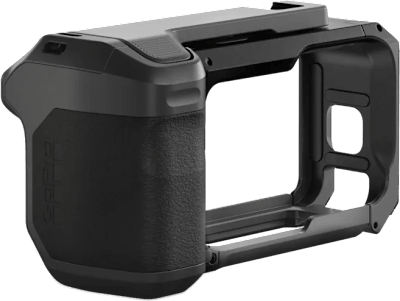
Turns the camera into a classic point-and-shoot: a metal frame and grip with a shutter button, two cold shoes for a light or microphone, and a wrist strap. GoPro's pick for street and travel.
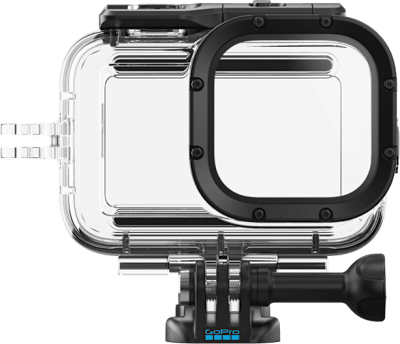
Takes it to 60 m under water, and protects it from knocks and sand.
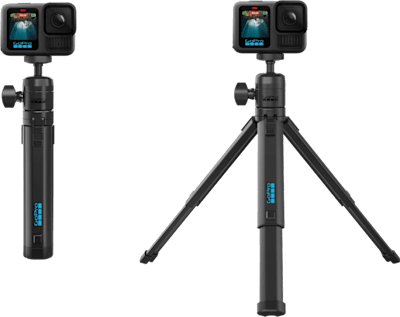
Keeps it still for night shots, time-lapses and getting yourself in the picture.
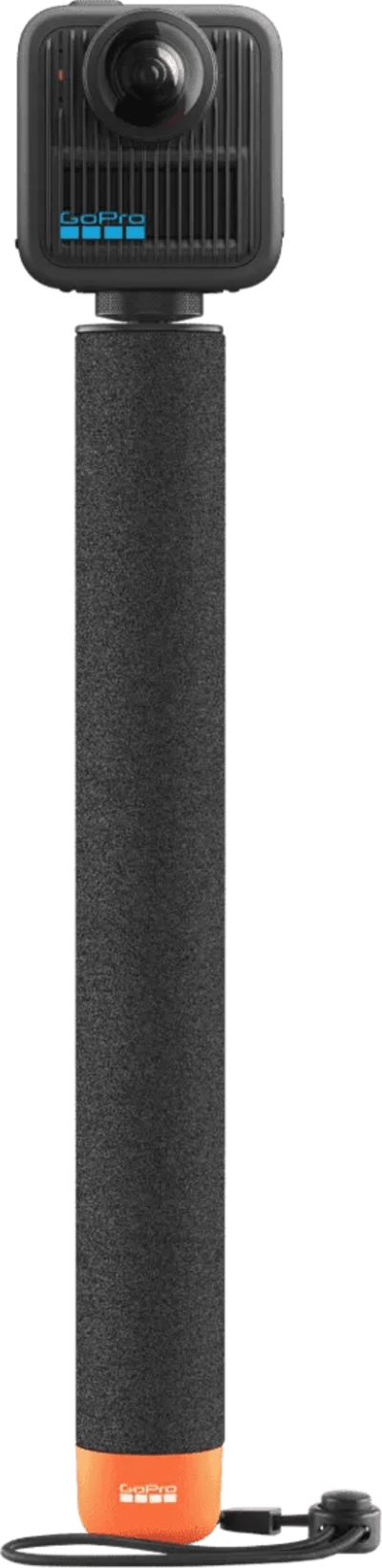
32in (80cm) Floating Extension Pole
Floats if you drop it, for the sea and the pool.
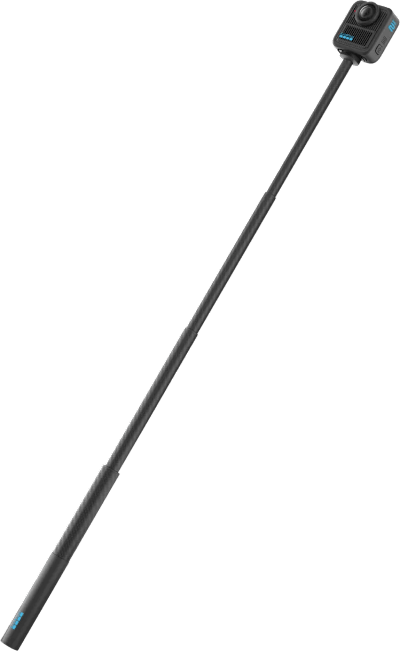
40in (1m) Carbon Fiber Extension Pole
Light and short: for selfies and walking shots.
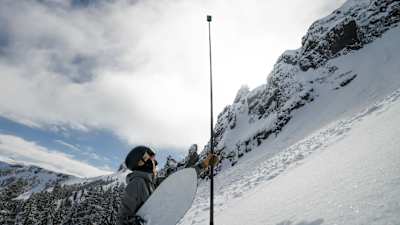
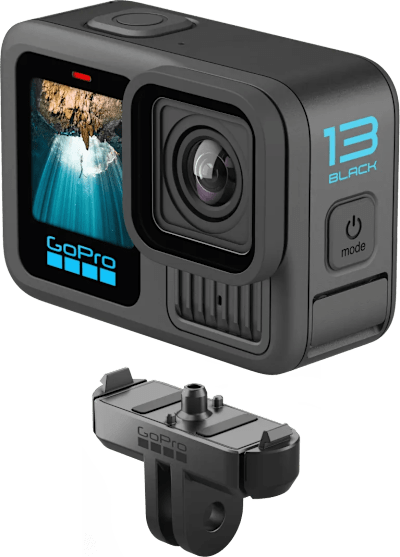
Clicks the camera on and off in a second.
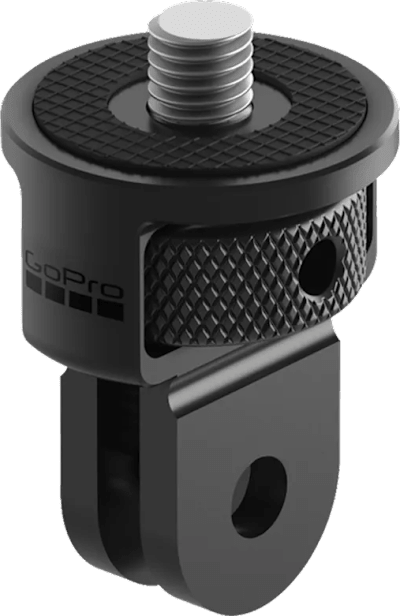
1/4-20 Mounting Finger Adapter
Adds a standard camera thread to any GoPro mount.
Mounting. The camera has GoPro's folding mounting fingers underneath and a standard 1/4-20 camera thread, so our GoPro mounts fit it. For rough riding, GoPro advises the fingers: a thread can work loose.
A spare battery. The MISSION 1 Pro takes GoPro's Enduro 2 battery, which is on its way to the shop. The Enduro for HERO13 Black also fits as a backup, but it does not fast-charge and does not last as long.
Not sure what you need? Ask us at the counter or from your account.
Sources
Read on 25 September 2026. If anything here differs from GoPro today, follow GoPro.
GoPro
- "From The Pros: 5 Easy Tips for Stunning Shots", GoPro's email of 24 September 2026, with David Rauchenberger's tips and photographs
- MISSION 1 Pro (specifications, mounting, waterproofing)
- MISSION 1 series user manual (setup, charging, the update, pairing, settings, batteries)
- MISSION 1 and MISSION 1 PRO video settings and mode settings
- microSD card considerations
- Accessories: Protective Housing, Point-and-Shoot Grip, Tripod + Ballhead, Floating Extension Pole, 40in Carbon Fiber Extension Pole, 9ft Carbon Fiber Extension Pole, 1/4-20 Mounting Finger Adapter, Enduro 2 Battery